CONTENT / 01
Games We Get Asked About Most at dipalotre
The lobby at dipalotre is built around four studios: Pragmatic Play, PG Soft, Habanero and JDB. That means the titles you find here come from a focused catalogue rather than a scattered list of hundreds from unnamed providers. Crash Countdown Round and Fishing War Fast Round sit in the fast-game section — short rounds, visible outcomes, playable in a single sitting on mobile.
CONTENT / 02
Slots, Live Casino and Sportsbook in One Account
The dipalotre lobby covers three main categories: slots from Pragmatic Play, PG Soft, Habanero and JDB; live casino tables with real dealer streams; and sportsbook markets built around football. Switch between them from the category navigation at the top of the lobby page — your account wallet carries across all three without a separate balance for each.
CONTENT / 04
dipalotre lobby studios
The dipalotre lobby carries content from four studios: Pragmatic Play, known for live casino tables and a wide slots range; PG Soft, whose titles are built for mobile-first play; Habanero, covering slots and table games; and JDB, the source of the fast-game and fishing titles in the lobby. To check the rules or features of a specific game, open that game card or the published information panel.
-
Pragmatic Play
-
PG Soft
-
Habanero
-
JDB
CONTENT / 03
dipalotre on Mobile — Same Lobby, Smaller Screen
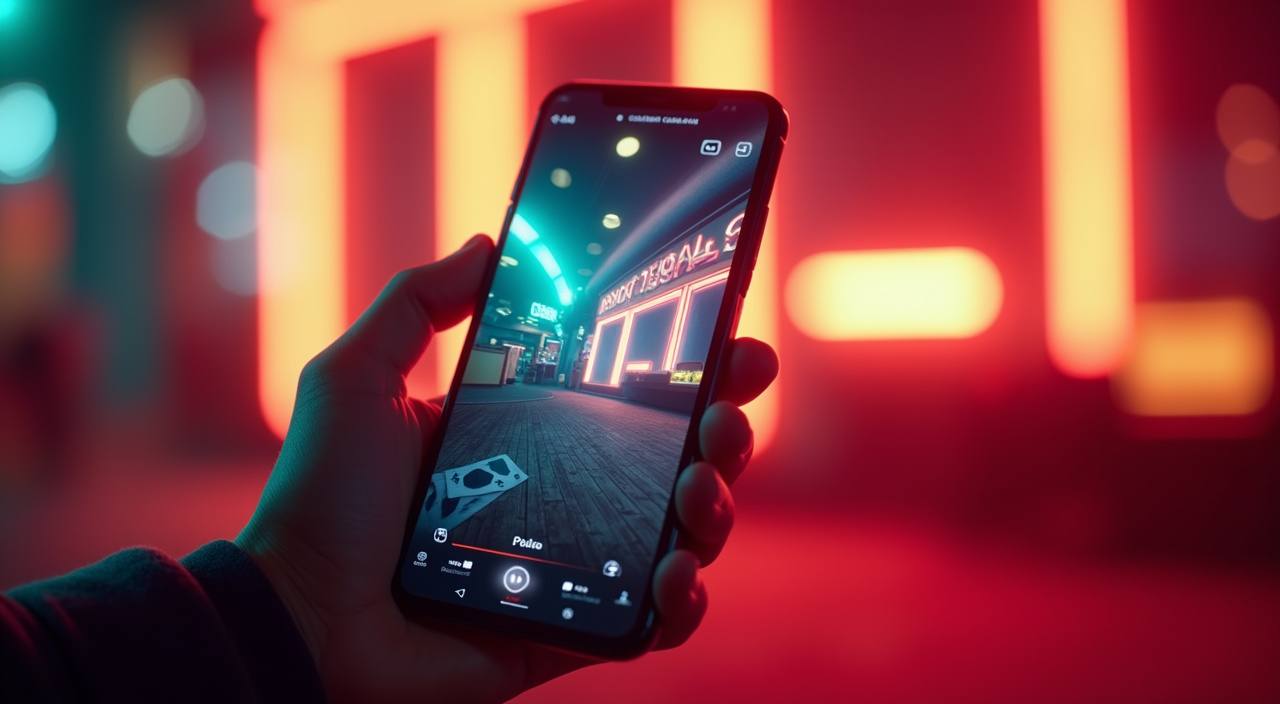
The dipalotre lobby loads in your phone browser without a separate download. Open the site address in Chrome or Safari on Android or iOS and the layout adjusts to your screen size automatically. The cashier, account settings — including session controls and spending limits — and the full game catalogue are all reachable from the mobile navigation menu, which sits at the top of the screen in the mobile layout.
-
Mobile Browser Access
Open dipalotre in Chrome on Android or Safari on iOS. No download or installation is needed — the lobby, cashier and account settings all load in the browser. The mobile layout adjusts the navigation to a top-menu format and the game grid reflows to a single-column or two-column layout depending on your screen width. Bookmark the page for faster access on return visits.
-
Account Settings on Mobile
Session reminders and spending limit controls are fully accessible from the mobile layout. Open the navigation menu, go to your account, and the settings panel is the same as on desktop. Changes you make on mobile take effect immediately and are reflected on desktop on your next login — because the settings are stored at account level, not device level.
-
Mobile Cashier
The cashier on mobile supports DANA, OVO, GoPay and Bank Transfer — the same options as desktop. Open the navigation menu, select cashier, and the deposit or withdrawal flow guides you through the steps shown on screen. For DANA, OVO and GoPay, the confirmation step opens your e-wallet app directly from the browser on most Android and iOS devices, which reduces the number of manual steps in the flow.
 Live / Sports